GPU Screen Recorder
A Vicinae extension for controlling GPU Screen Recorder
Features
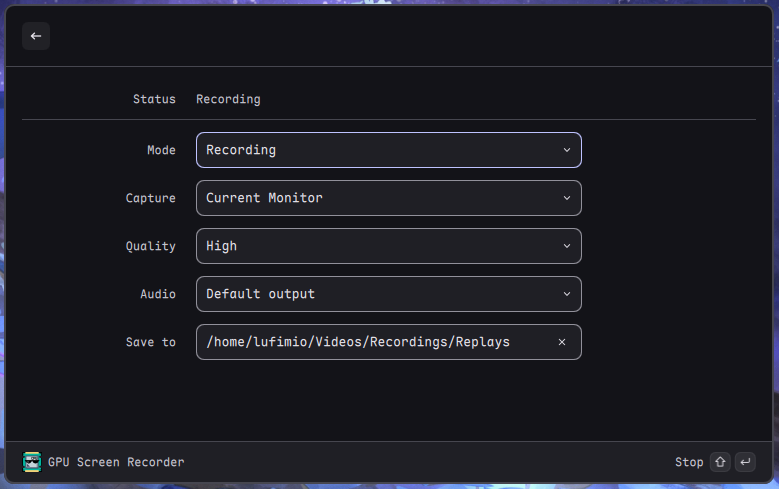
- Recording Modes: Standard screen recording or instant replay (like NVIDIA ShadowPlay)
- Multiple Capture Sources: Current monitor, specific monitor selection, or window capture via Wayland portal
- Quality Presets: Medium, High, Very High, Ultra
- Audio Sources: Support for system audio and application audio (PipeWire required)
Commands
Main Control Panel
The main command provides a unified control panel with all settings.
Commands
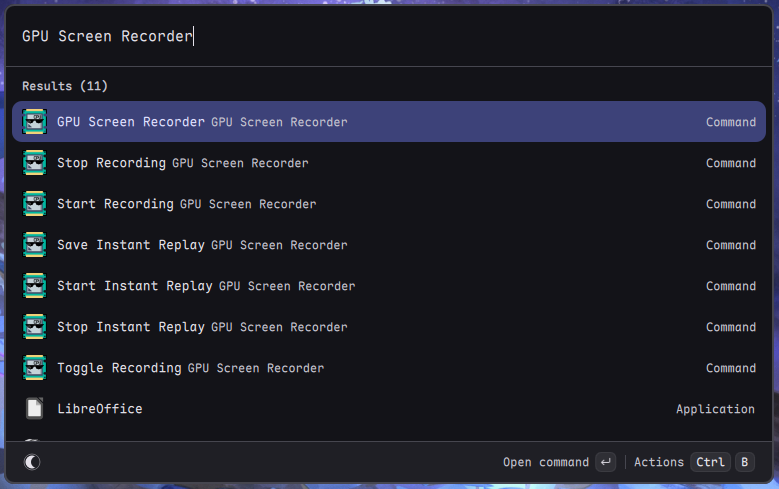
- Start Recording - Begin standard screen recording
- Stop Recording - Stop active recording and save
- Toggle Recording - Start/stop recording (mode-aware)
- Start Instant Replay - Begin instant replay buffer recording
- Stop Instant Replay - Stop instant replay mode
- Save Instant Replay - Save the current buffer to file (Ctrl+S when in instant replay)