
Check Pacman Updates (Vicinae Extension)
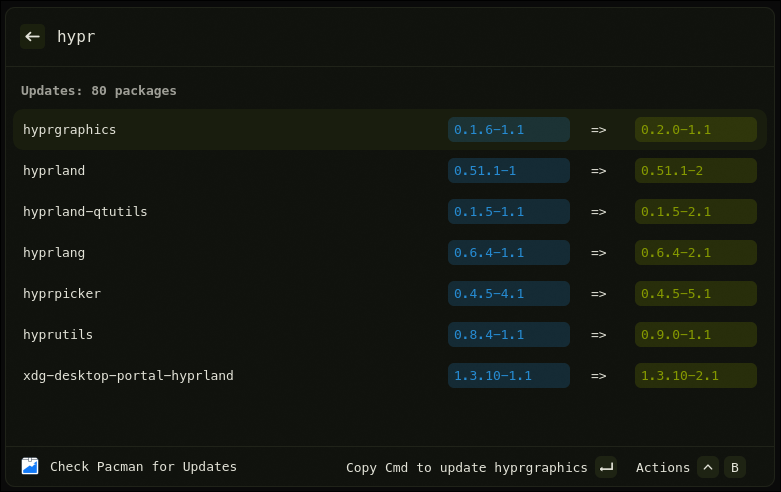
See what packages are available for update using pacman-contrib.
Features
- Display a list of packages available for update for arch based distributions.
- Set a bash terminal and script in the extension settings.
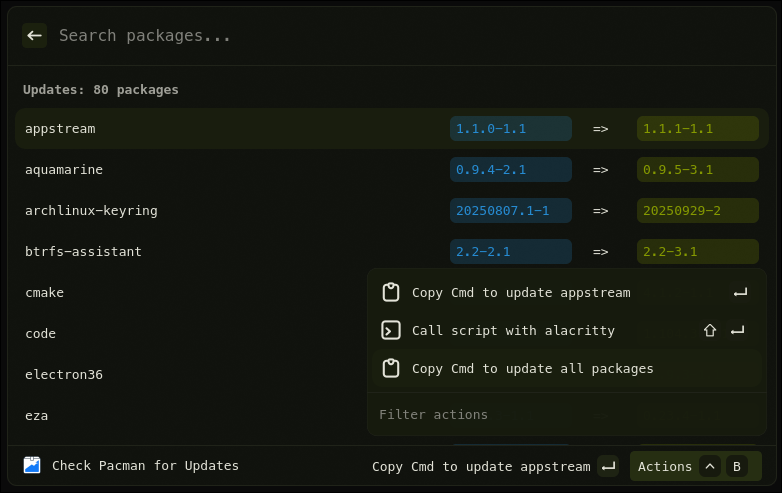
- Use your own script to update your packages from the action menu!
Requirements
- Linux with Hyprland
- vicinae
- pacman-contrib
Commands
Check Pacman for Updates— Gets a list of packages available for update.
Extension Preferences
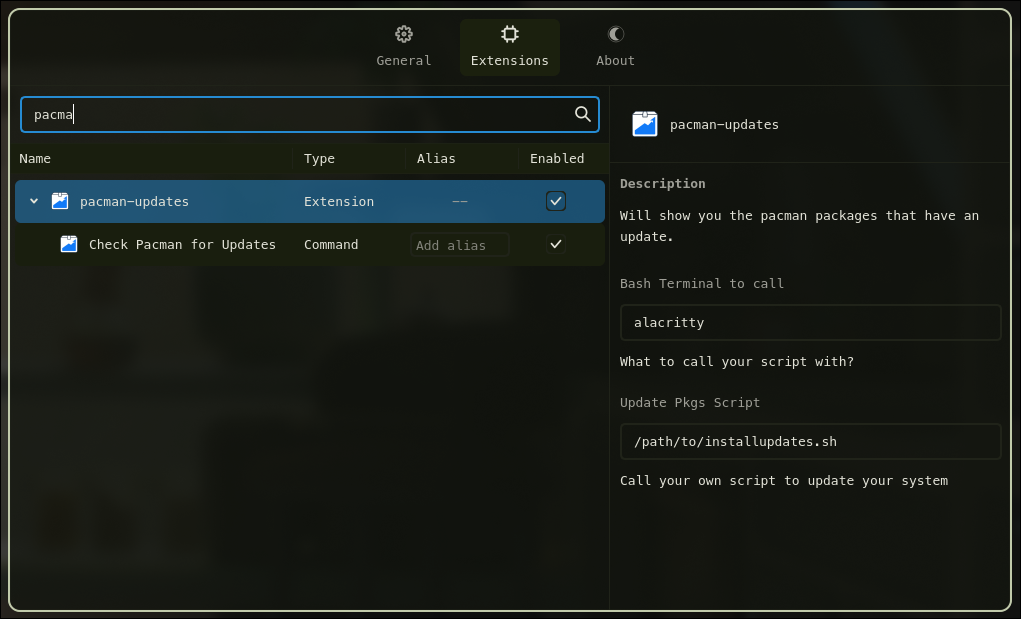
- Bash Terminal to call
- Defaults:
unset
- Defaults:
- Update Pkgs Script
- Defaults:
unset
- Defaults:
Quick start (development)
npm install
npm run dev
This starts the extension in Vicinae dev mode. Follow Vicinae’s docs for how to connect a dev extension if needed.
Build (production)
npm run build
This produces a production bundle that can be distributed/installed per Vicinae guidelines.
BYO Update Script
You can set the extension settings mentioned above and a new action will appear in the action menu that allows you to run your own script in a new bash terminal of your choosing.
License
MIT