
Coffee

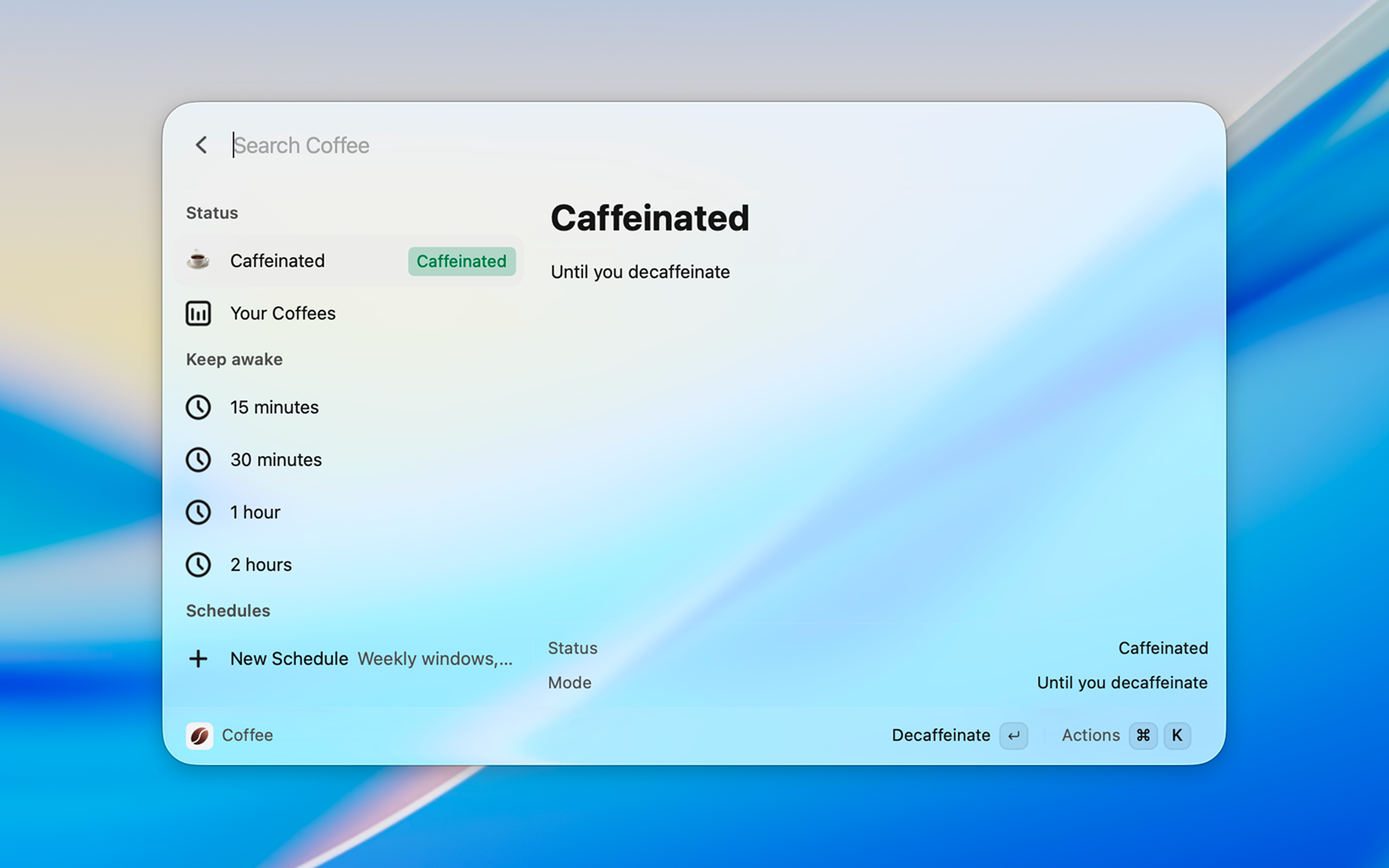
Keep your machine awake from the launcher — indefinitely, for a duration, until a time, while an app is running, or on a weekly schedule.
Coffee is a Vicinae extension for Linux and macOS, inspired by the Raycast Coffee extension. Use the dashboard, or run a command to stay awake, stop, or toggle.
Screenshots
Features
- Stay awake indefinitely, for a duration (
45m,1h30m), until a time (5pm), or while an app is running - Weekly schedules, including overnight ranges (
11:00–08:00) - Native inhibit:
caffeinateon macOS,systemd-inhibiton Linux — the kernel drops the lock when time is up - One dashboard for status, quick durations, and every schedule
- Manual decaf skips this occurrence; pause turns the schedule off until you resume it
Getting started
- Run Coffee for the dashboard: status, quick durations, and all schedules.
- Or run Caffeinate, Decaffeinate, or Toggle Caffeination from root search.
- Leave Caffeination Status enabled so weekly windows can start while Vicinae is running.
Times use a 24-hour clock. If start is later than end, the window runs overnight.
Commands
- Coffee – Dashboard: status, quick durations, and schedules
- Caffeinate – Stay awake until you decaffeinate
- Decaffeinate – Allow sleep again
- Toggle Caffeination – Flip the current state
- Caffeinate For – Presets (15m–4h) or a duration argument
- Caffeinate Until – Argument like
5pm/17:30, or a date picker - Caffeinate While – Stay awake until the selected process exits
- Schedule Caffeination – Add, pause, and delete weekly windows
- Caffeination Status – HUD + subtitle; also the 1-minute schedule tick
Preferences
- Prevent display sleep — idle inhibit /
caffeinate -d - Prevent system sleep — sleep inhibit /
caffeinate -i - Prevent lid-close sleep (Linux)
- Prevent disk sleep (macOS) —
caffeinate -m
Installation
Install and start Vicinae, then:
git clone https://github.com/tiagem/coffee-vicinae.git
cd coffee-vicinae
npm install
npm run build
Use npm run dev while Vicinae is running if you are working on the extension.
See the Vicinae extension docs for more detail.
Contributing
Open an issue or a pull request.