
Workspace

Search, pin, and open projects from every folder you work in.
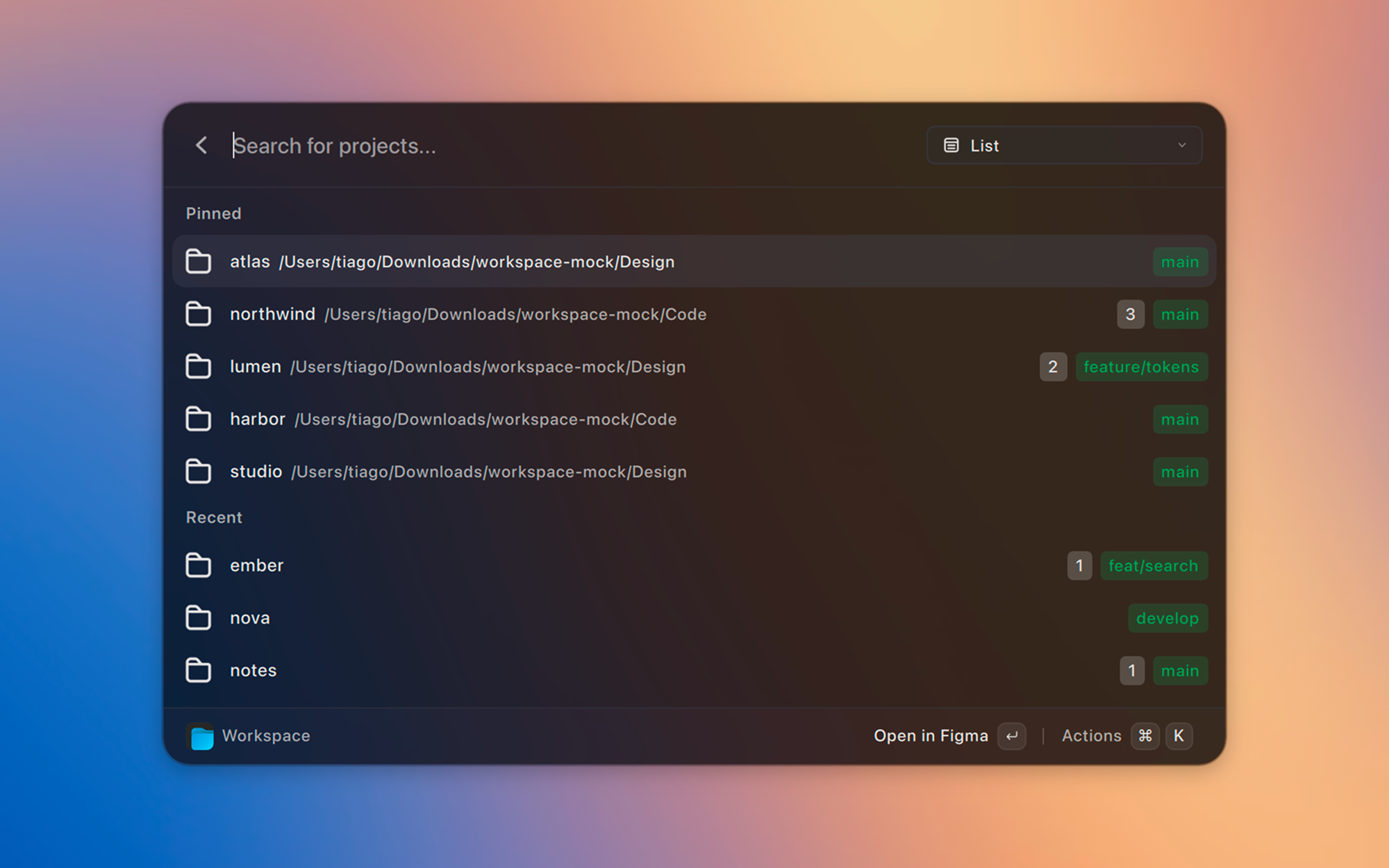
Workspace is a Vicinae extension. Add workspace folders and it lists every project inside, with git status, per-workspace opening app, and a JSON backup of your setup.
Screenshots
Features
- Search projects
- Pin projects and keep recent ones at the top
- Git branch, dirty files, and ahead/behind
- Import and export settings as JSON
Getting started
- Run Manage Workspaces and add the folders that contain your projects.
- Set a default app (and a terminal, if you want) in Workspace Settings.
- Open Workspace, search, and hit enter.
Pin the Workspace command in Vicinae if you want the fastest loop.
Commands
- Workspace – Search and open projects
- Manage Workspaces – Add, remove, and reorder workspace folders
- Workspace Settings – Apps, git status, backup, and reset
Installation
Install and start Vicinae, then:
git clone https://github.com/tiagem/workspace-vicinae.git
cd workspace-vicinae
npm install
npm run build
Use npm run dev while Vicinae is running if you are working on the extension.
See the Vicinae extension docs for more detail.