Clean Keyboard
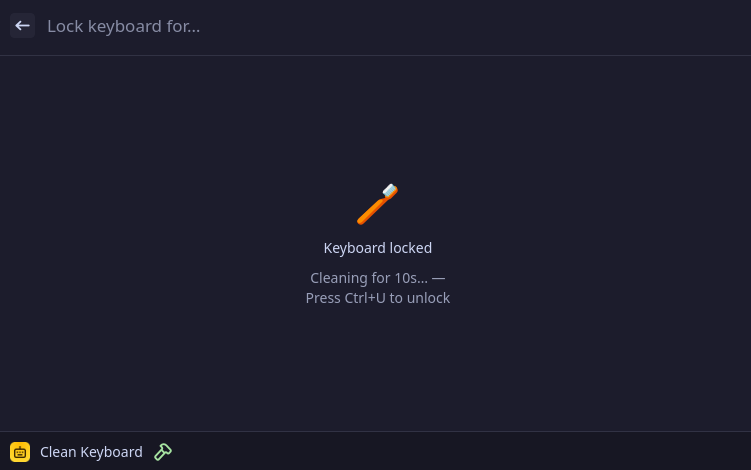
Lock your keyboard to clean it without accidentally triggering keys. Press Ctrl+U at any time to unlock.
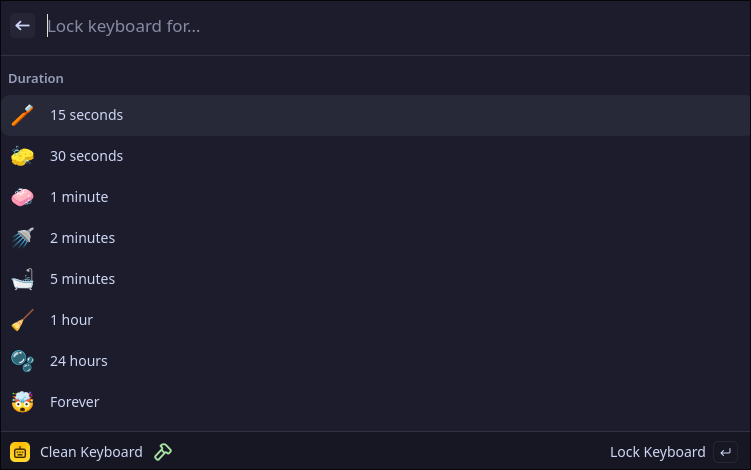
Duration picker:
Keyboard locked:
Features
- Lock for a fixed duration (15s, 30s, 1m, 2m, 5m, 1h, 24h) or indefinitely
- Press Ctrl+U on the physical keyboard to unlock at any time
- Countdown timer shown in the UI while locked
First-time setup
This extension reads directly from keyboard input devices. If you are not already in the input group, you will see an error on first use. Fix it with:
sudo usermod -aG input $USER
Then log out and back in. This is a one-time step.
On many distros (Fedora, Ubuntu, Arch) the desktop user is already in the
inputgroup, so this may not be needed at all.
Installation
Install directly from the Vicinae store, or manually:
git clone https://github.com/vicinaehq/extensions
cd extensions/clean-keyboard
npm install
npm run build
Development
npm install
npm run dev